Zeppelin prints output of langauge backend in text, default. However, if output contains some magic keyword, Zeppelin automatically formatting the output as Table, Chart, Image, Html.
If output has no magic keyword provided Zeppelin print the output in text.

If ouput starts with %html, it interpreted as a html code.

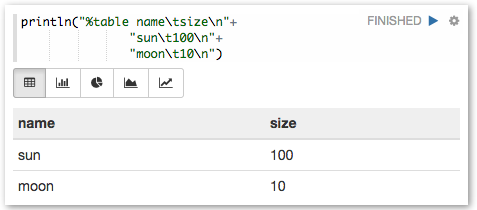
If ouput starts with %table, it interpreted as a table. Table can be seen as chart.
Output’s format should be, row separated by ‘\n’ (newline) and column separated by ‘\t’ (tab). First row is header.
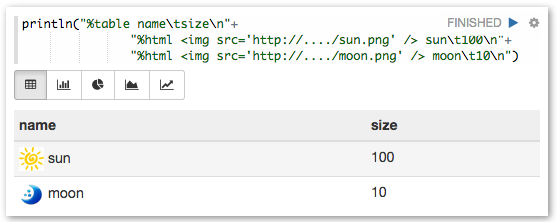
If table contents start with %html, it is interpreted as a HTML.
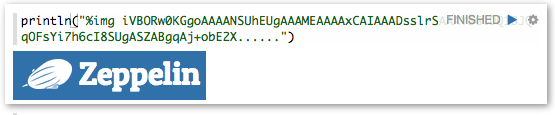
If output starts with %img, it is interpreted as base64 encoded image.
 Apache Zeppelin (incubating)